There is one sentence I hear from legal teams more than any other: “We have Copilot now, and not much has changed.”
The numbers say the same. Casey Flaherty analysed 206 responses from law firms to a questionnaire sent by 20 corporate legal departments, and talked about it on the Law://WhatsNext podcast. Six in ten firms have given a general AI tool to most of their client-facing people. From seats to daily users, that drops to about 20%. And 60% of the firms cannot name one repeatable process. On r/legaltech, lawyers describe the same thing from the inside: licences were bought, and nobody logs in.
The usual reaction is to look for a better tool. I think that is the wrong move. The tool you have can do much more than your team asks of it. What is missing is not software. It is a way of working that more than one person follows, more than once.
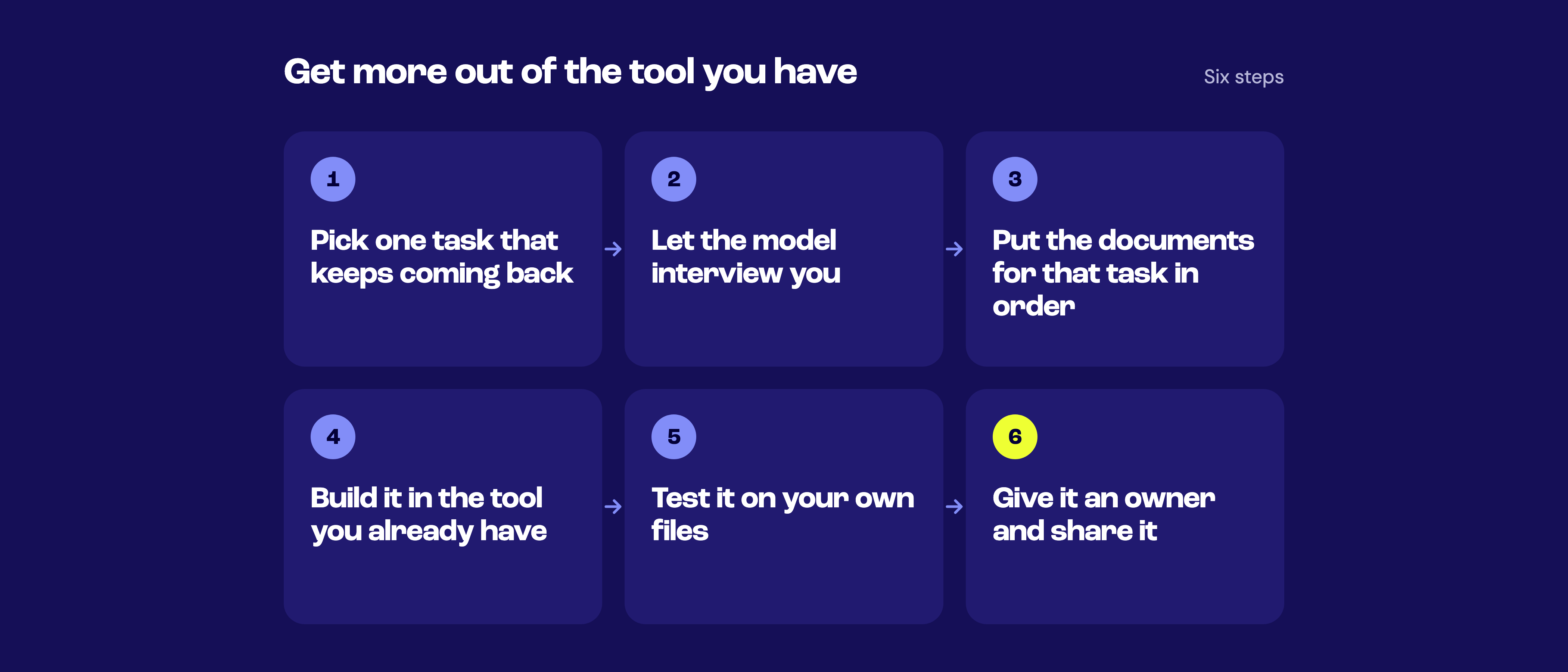
This is how I would get there. Six steps, in this order.
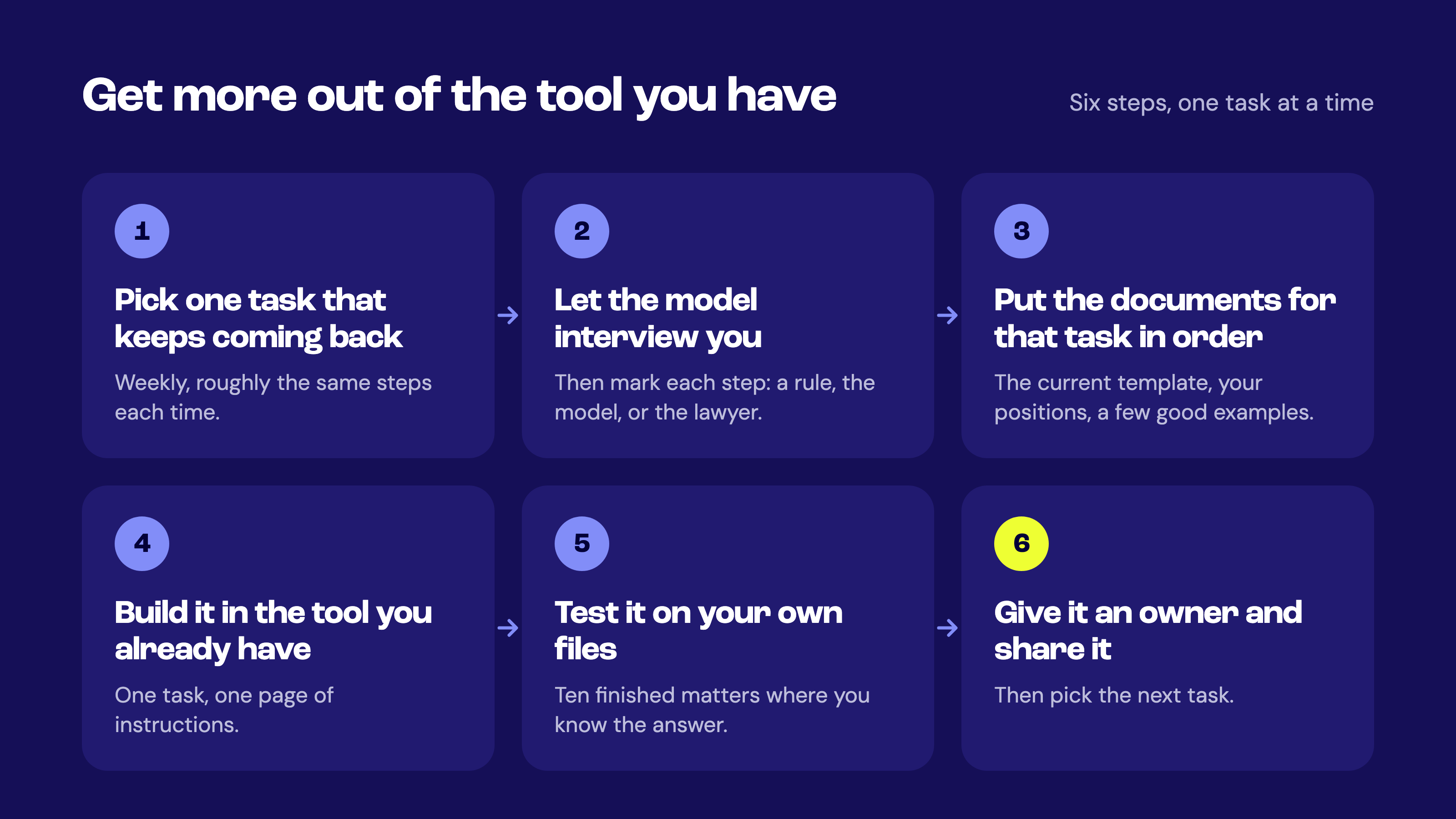
1. Pick one task that keeps coming back
Not “use AI more”. One task. Something the team does every week, in roughly the same steps, and that nobody looks forward to. The first review of an NDA against your own positions. The same question from sales, again. A summary of new rulings on one topic.
A task you do twice a year is not worth it. A task that is different every time is not ready for it.
2. Let the model interview you about the task
Do not start by writing instructions. Open Claude, Copilot or whichever assistant you have, and ask it to interview you about how you do this task. One question at a time, until it can describe the process back to you: what comes in, what goes out, what you look at first, and when you stop to ask a colleague.
You will say things you would never have written down. At the end, ask for the process as a list of steps.
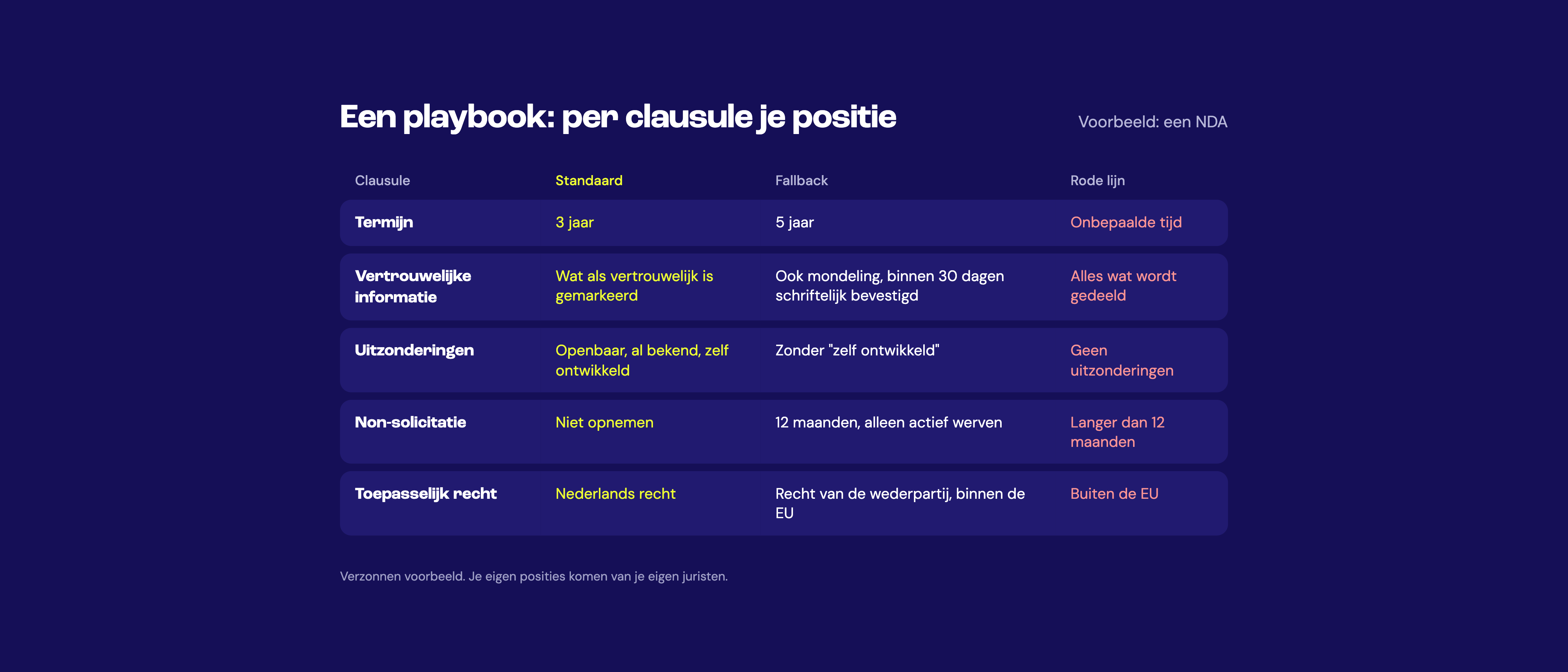
Then mark every step. Is it a fixed rule? Is it something a model can draft? Or is it a judgement a lawyer has to make? Most tasks are a mix. A deadline is a calculation, not a question for a language model. Whether a clause is acceptable for this client is for the lawyer. The first draft of the comment in between is where the model helps.
Let a colleague do the same interview. This is often the moment a team finds out that it does not do the task the same way.
3. Put the documents for that task in order
A model works with what you give it. If there are three versions of the template, it will pick one, and not always the one you would pick.
You do not have to clean up the whole archive. You need the current template, the positions you take, and a few good examples. For that one task.
4. Build it in the tool you already have
By now most of the work is done. The steps from the interview are the instructions. In Copilot that becomes an agent with your documents attached. In Claude it becomes a skill or a project.
Your team does not have to learn new software, and IT does not have to approve a new supplier. Keep it small: one task, one page of instructions.
5. Test it on your own files
Take ten matters you have already finished, where you know the right answer. Run them. Look at where it goes wrong, change the instructions, and run them again.
A demo on a clean example tells you nothing about your own work. Your own ten files do. Keep them: when the model is updated, you run them again.
Make sure a lawyer can check the result. A point without its source costs more time to verify than it saved.
6. Give it an owner and share it
A workflow that one person uses is a habit. It becomes a process when a colleague uses the same one.
So give it one owner: someone who keeps the instructions up to date and hears about it when something goes wrong. And show it to the team on their own work. In my sessions, the moments that land never come from my prepared demo. They come when someone sees it work on a file they know.
Then pick the next task
The second task goes faster than the first. After a few of them, the team works differently, and that did not come from a new tool.
Sometimes a task does need something else: a tool built for it, or a specialised product. You will know after step 5, because you have tested it. That is a better moment to buy.