“Which AI tool should we get?” It is the question I hear most, from law firms and from in-house legal teams. Usually there is a list next to it: Copilot, ChatGPT, Legora, Harvey, a Dutch legal assistant. And the question is which one is best.
There is no answer to that. Not because the tools are the same, but because the question starts at the wrong end. A tool is good for a task. If you do not name a task, you choose on the demo.
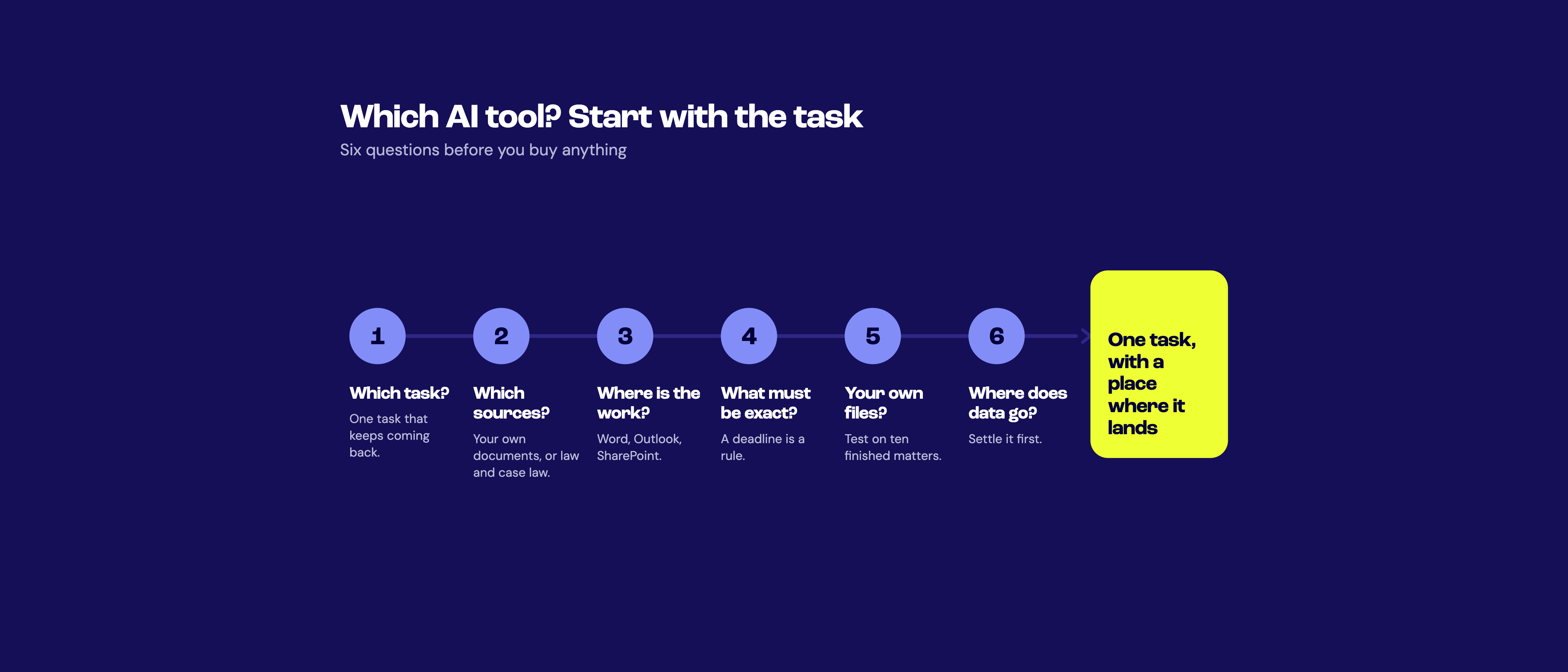
First a short map of what is out there. Then the six questions I go through with a team before anything is bought.
What is out there
Roughly five kinds, and most teams already have one.
- An assistant in your office software. Microsoft 365 Copilot sits in Word, Outlook and Teams and can reach the documents you already keep there.
- A general chatbot. ChatGPT, Claude, Gemini. Strong at writing, summarising and thinking along, and you can give it your own instructions and documents.
- A legal AI platform. Legora and Harvey are built for legal work: reviewing documents, research, drafting, with features for teams.
- A Dutch legal assistant. LegalMike and Sdu’s GenIA-L are built for legal questions under Dutch law, with the source next to the answer.
- Something built for your task. A Word add-in, a Power App, a skill for Claude, an agent in the tool you already have.
Which one you need follows from the task. Like this.
1. Which task keeps coming back?
Name one task. Not “do more with AI”, but something the team does every week, in roughly the same steps. Checking an NDA against your own positions. The same question from sales about ending a distribution agreement. Keeping track of what the regulators publish.
Without a task you cannot compare tools. With a task it quickly becomes clear.
2. Which sources does that task need?
This is the question that decides most.
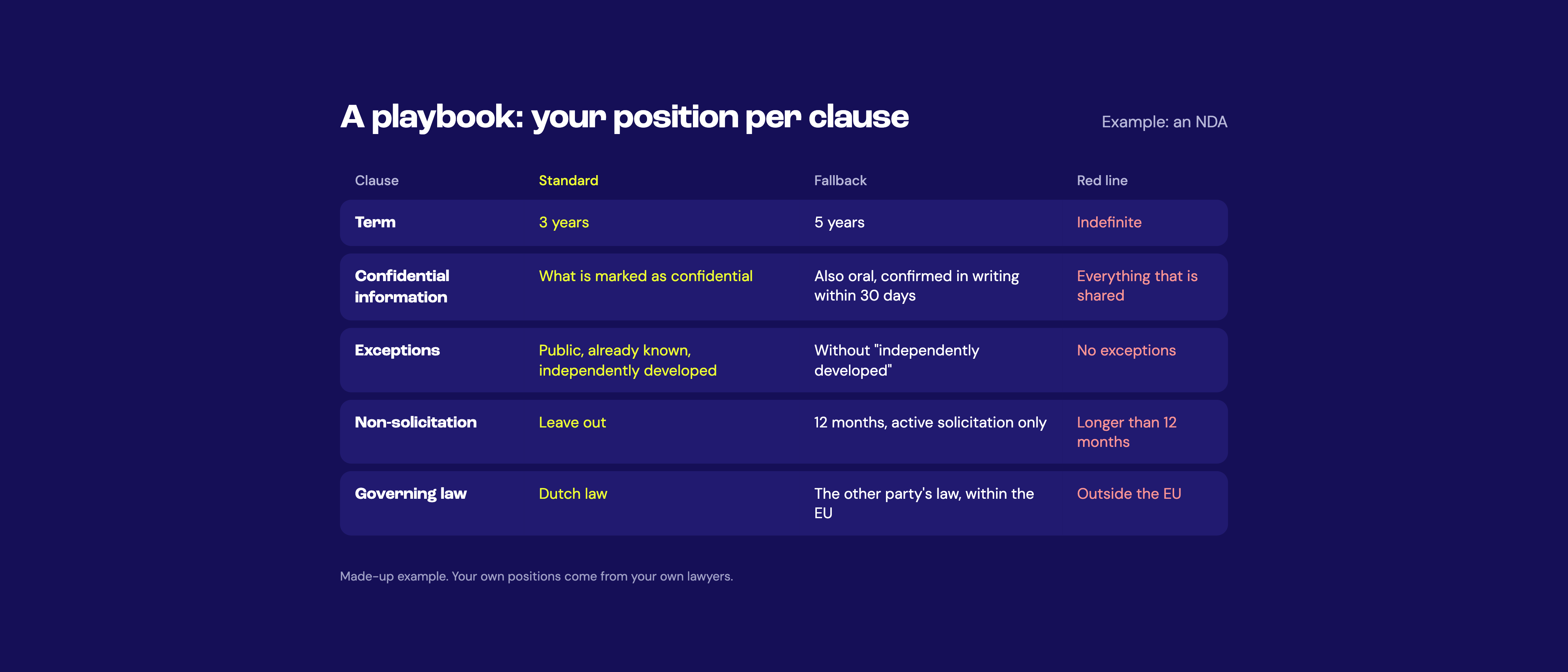
If the task runs on your own documents, such as your templates, your positions, your policies, you want a tool that can reach those documents instead of guessing them. Often the tool you already have will do: Copilot with your own documents, or a Claude skill with your playbook in it.
If the task runs on Dutch legislation and case law, you need a tool that has those sources and shows them. A general chatbot knows a lot, but with a legal answer you want to see where it comes from.
Many tasks need both. You review a contract against your own positions, but sometimes you have to look up a ruling. Then the question is which part weighs most.
3. Where does the work happen now?
If your team works in Word, you do not want the result in a chat window that has to be pasted back. The outcome has to come back into Word, as tracked changes. One of the things we built does exactly that: an add-in that returns a document with tracked changes, based on the firm’s own sources.
If the department works in Microsoft 365 and SharePoint, start there. The sales questions we took off Legal’s desk run through a Power App in the client’s own Microsoft environment. No new supplier, no new system.
The tool that fits is usually the tool that sits where the work already happens.
4. What has to be exact?
Not everything should go through a language model. A deadline is a calculation. Who may sign depends on region, type of contract and amount. Whether a goods code falls under sanctions is in official tables.
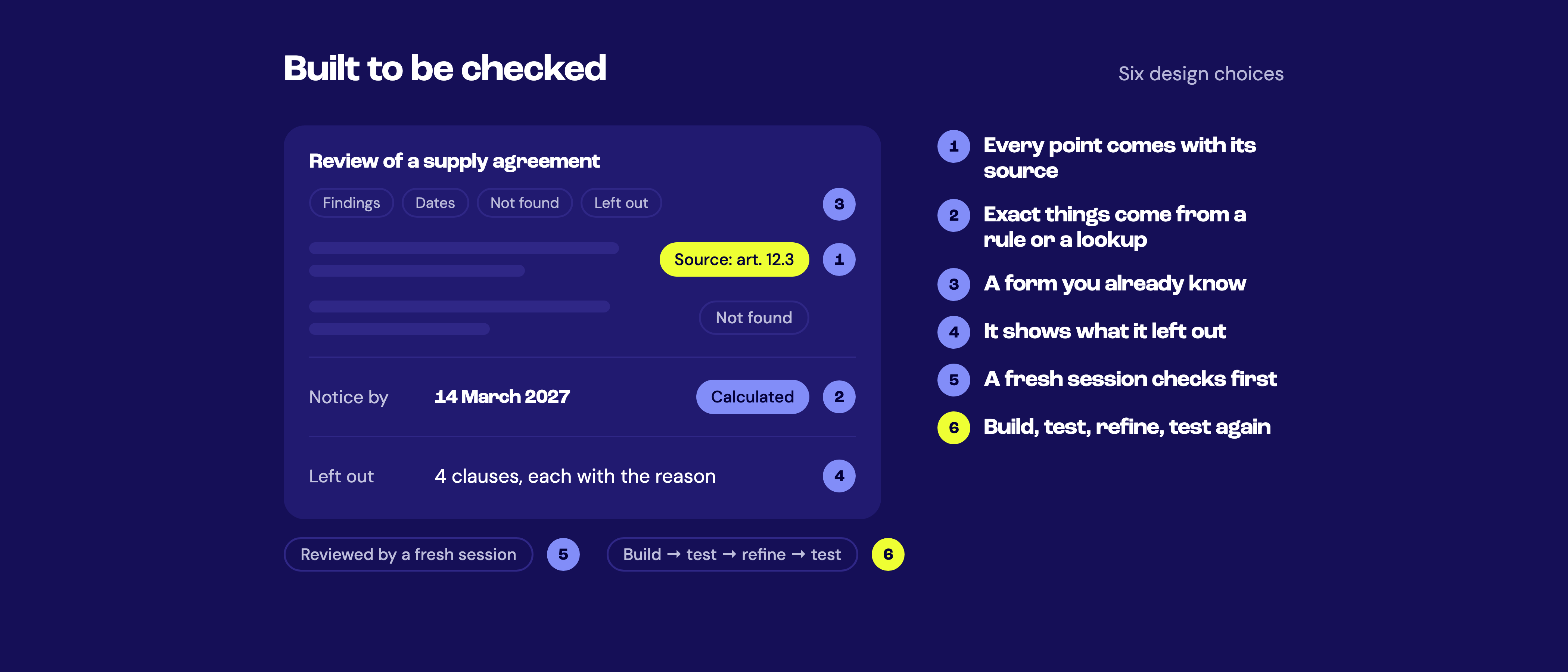
For steps like these you use fixed rules or a lookup, not a model. In the sanctions check we built, the system looks the code up in the official tables and applies a restriction at a higher level to every code below it. No model is involved. The signing authority check is a clickable PDF.
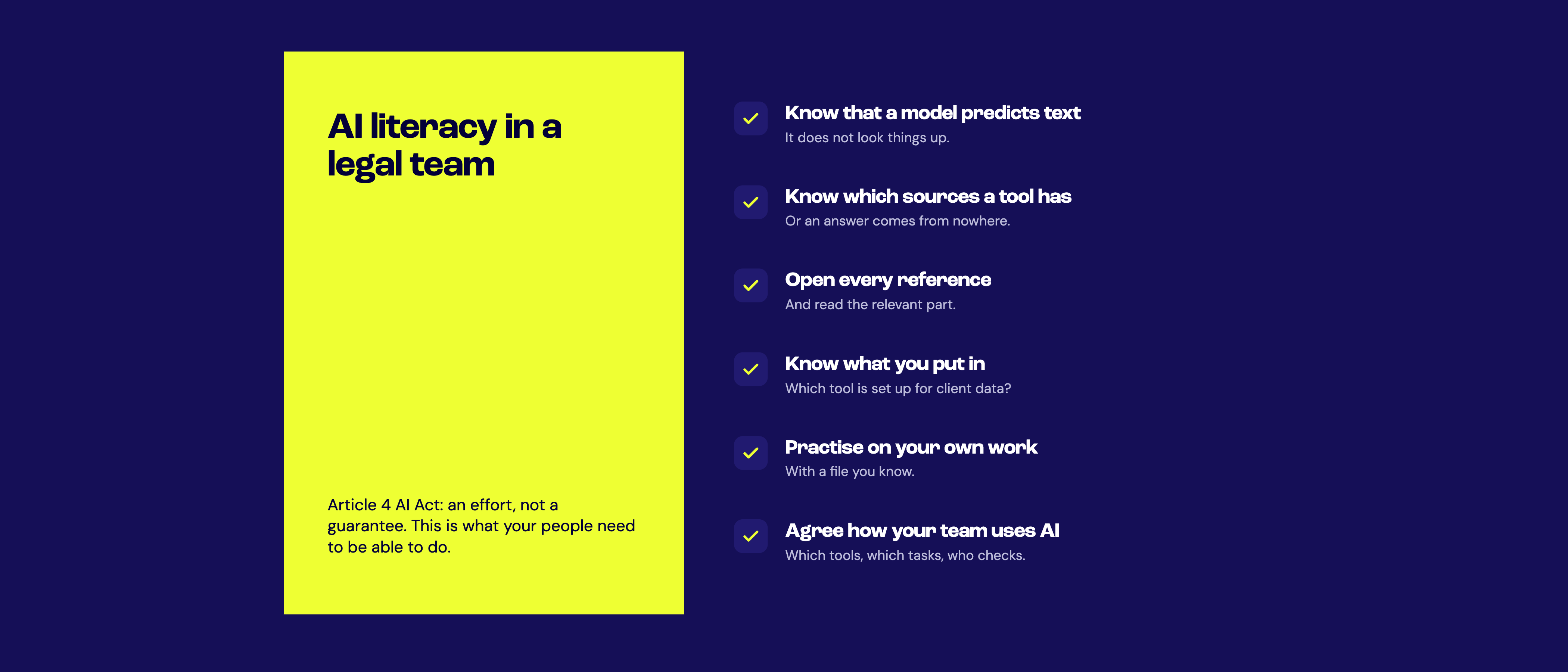
That makes the choice smaller. The model does the part it is good at: reading, ordering, writing a first draft. The lawyer decides.
5. How does it do on your own files?
A demo shows a clean example. Your own work is never that clean.
Take ten finished matters where you know the right answer. Run them through the tool you are considering, and through the tool you already have. Put the results side by side. Often the tool you have, with good instructions, gets further than you thought. Sometimes it does not, and then you know what you are buying.
Keep those ten matters. After a model update, you run them again.
6. Where does the data go?
Settle this before you choose, not after. Which provider and which account, where the data is processed, what is stored and for how long, and that nothing is used for training. For law firms, the bar’s recommendations on AI belong here too.
A tool that cannot answer this clearly drops out, however good the demo was.
Often you already have the tool
When I go through these six questions with a team, what comes out is rarely one tool. It is a task, with a place where it has to land. Sometimes that is Copilot with a good playbook. Sometimes a Dutch legal assistant for the research. Sometimes something we build.
One caveat: we do not sell a tool. We build in whatever a team already has, and that colours this piece. If you want to do this with your own team, that is exactly what a training on your own work is for.