
The problem
We built a Slack plugin to track time faster. The simple problem: context switching between your work and time-tracking software costs time and energy. Plus you forget the small things.
The classic trap: you’re working on a case, spend 20 minutes on feedback for an infographic, immediately dive into the next task. End of the day you have to reconstruct what you did. Usually you forget the small things. Those 15 minutes of research between two meetings. The 10 minutes you spent on an email.
Having the time-tracking system open next to your work doesn’t help. You’re working on something, click to the time-tracking system, search for the project, click through three screens, fill everything in. Thirty seconds later you’re done and have to remember where you were.
We already had time-tracking software with a good API. We already worked in Slack. Logical step: connect the two.
The solution
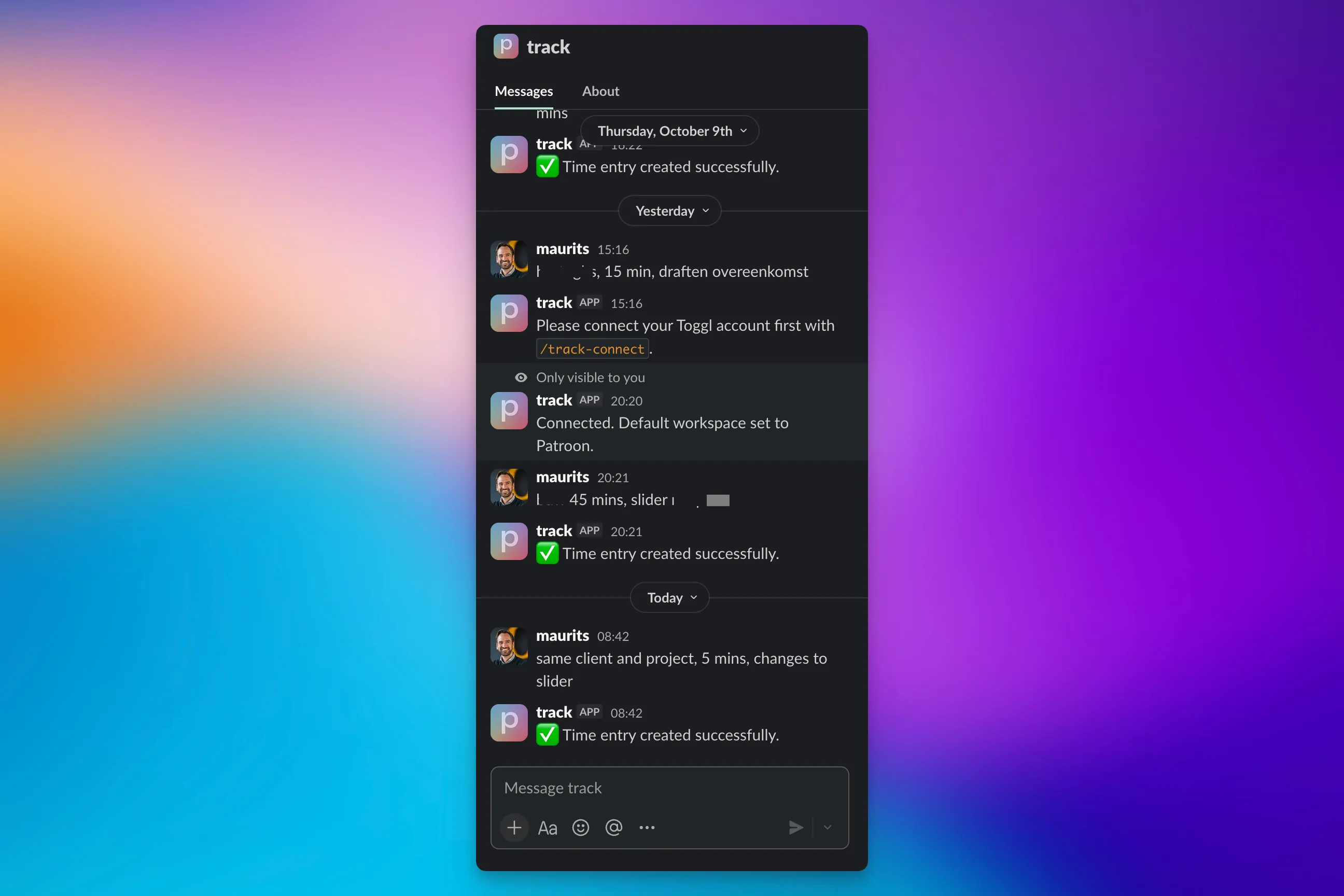
/time "processing feedback on infographic about escalation clause - arbitration case X, client Y, 10 minutes"Five seconds. Entry is in the system. You stay in Slack where you already were.
First attempt: speech-to-text
Before we made the typed version, we tried speech-to-text. Seemed logical. Just speak while working, no typing needed.
Turned out slower than typing in practice. You have to think about what you’re saying, the system makes errors, you have to correct. Comparable to WhatsApp voice messages - sometimes useful, usually not.
Typing is faster when you’re already typing. And you’re typing when you’re in Slack.
How it works
The plugin runs locally on our server. Natural Language Processing translates the typed sentence into structured data.
Input:
/time "processing feedback on infographic about escalation clause - arbitration case X, client Y, 10 minutes"Output to the time-tracking system:
- Project: Arbitration case X
- Client: Client Y
- Description: “Processing feedback on infographic about escalation clause”
- Time: 10 minutes
If you want to write a new entry on the same case:
/time "same project, drafted timeline, 25 minutes"The system understands what you mean. Uses the last active project.
Creating a new file:
/time "new case, client ABC, project contract review, first pass SPA, 45 minutes"The system creates the case and logs the time.
The narrative enhancer
First version of the description AI produced overly formal text. “Email client” became “conducting correspondence regarding urgent legal advice concerning complex contractual matters.”
Nobody writes like that. At least, we don’t.
We built in a learning system. Manually corrected narratives become training data. When you adjust the AI-generated description to your own style, the system remembers.
After three months of use:
- “Email client about change in article 5” stays “Email client about change in article 5”
- “Quick read through draft” doesn’t become “Thoroughly reviewing draft documentation”
- Formal legal terms stay where they’re relevant, disappear where they’re not
The system learns what “good enough” means for our team. Not perfect, good enough.
What we didn’t expect
People use it differently than we thought.
Retrospective tracking: We built it for real-time logging. Turns out people mostly use it end of day to quickly go through their Slack history. Works fine, wasn’t the plan.
Batch entries: Some people type five entries in a row. The system has to remember what “previous project” means when you’re mixing three projects.
Vague time indicators: “About half an hour” has to translate to 30 minutes. “All morning” to an estimate based on the timestamp. Works reasonably well.
Project aliases: People don’t type the full project name. “Arbitration X” becomes “arb X” or “that arbitration from last week”. The system has to guess. Usually works.
Results
After six months of use:
- 847 entries via the Slack plugin
- Average 4 entries per person per day
- Average input time: 8 seconds (including typing)